

Configuring the Integration
Everything described on this page requires being a Spacelift Deploy account admin (root space admin).
If you don’t have a Flows account yet, you can hover on the product switcher in the left upper corner of the Spacelift Deploy UI and pick Flows.
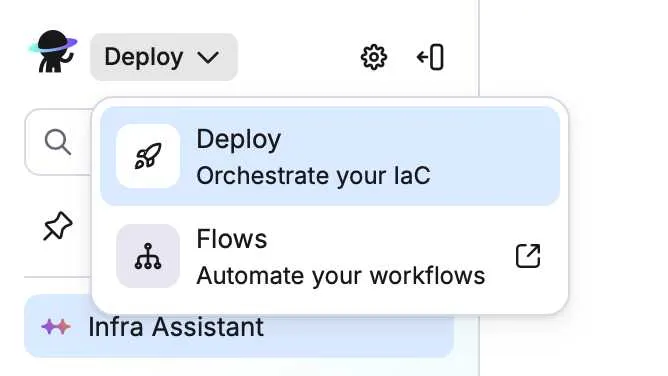
This will guide you through a quick linking process, where you can choose to create a new Flows organization.
If you already have a Flows account, during that same linking flow, sign in to Flows when prompted, and proceed with the linking.
Once the accounts are linked, any members of your Spacelift Deploy account will be able to log in to Flows using the switcher. However, you’ll be able to manage their access levels separately, in Flows. See more on that in Managing Permissions.