

API Keys
API Keys make it possible to authenticate requests to the Flows API and HTTP Endpoint blocks. You can also use them with the Flows TF Provider and the Flows CLI.
To create an API Key, click your avatar in the upper-left corner, then select “Settings”, and click the “Authorizations => API Keys” tab in the left sidebar.
There, you’ll be able to create and manage your API Keys.
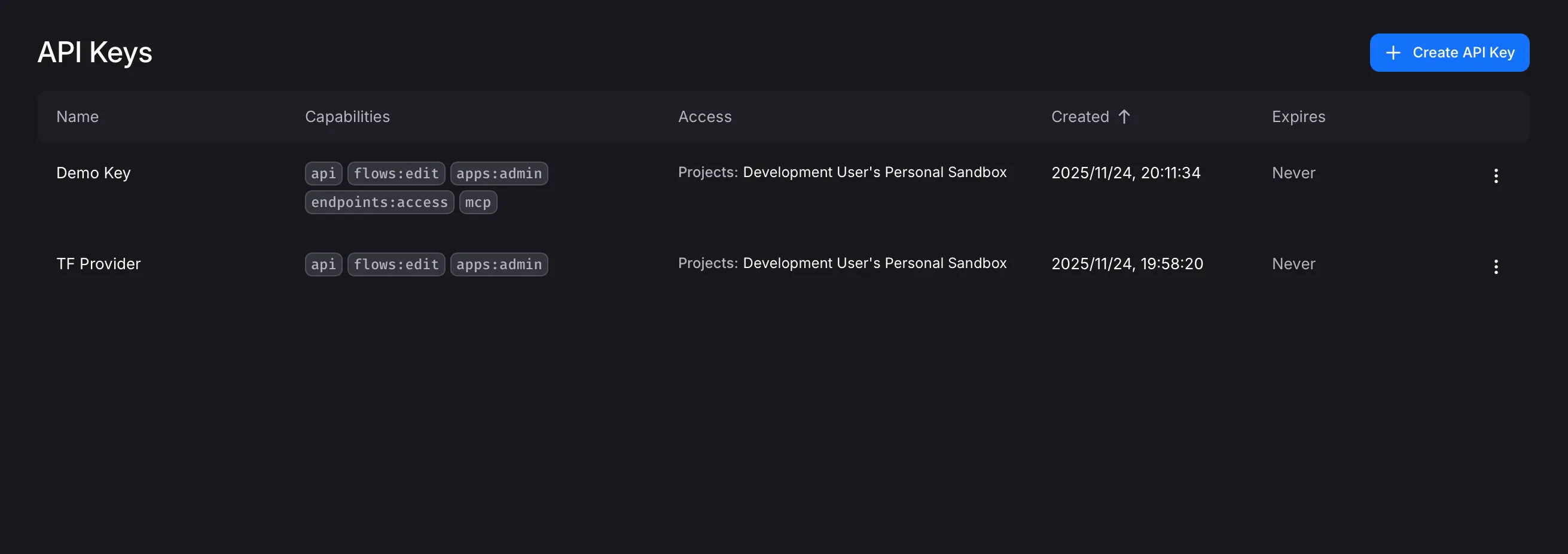
For more details on capabilities, project accesses, and MCP flow accesses, see API Keys and OAuth2.