Collections Blocks
Collections Blocks
Section titled “Collections Blocks”Collections blocks (Collect and Explode) manage and manipulate groups of events in your flows. They are important for batch operations, data aggregation, and processing lists of items.
Collect Block
Section titled “Collect Block”Gathers multiple incoming events and groups them together, emitting a consolidated list as a single event. The Collect block is highly flexible, supporting count-based, time-based, and conditional collection strategies.
Configuration Fields
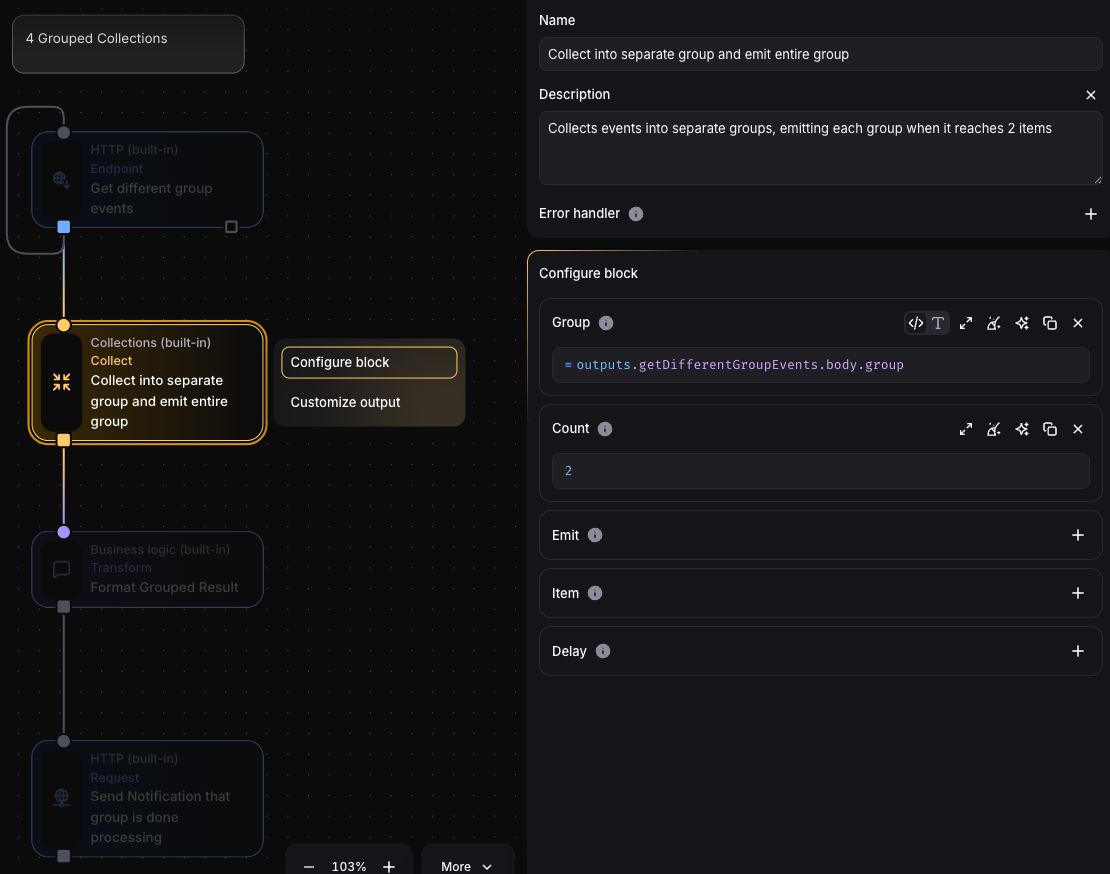
Section titled “Configuration Fields”Group (optional)
Section titled “Group (optional)”Evaluates to group key (string) for organizing events into separate collection buckets:
outputs.userSignup.department // Groups events by user departmentWhen to use: When you need to maintain separate collections for different categories or entities (e.g., per-user queues, per-tenant batches).
Count (optional)
Section titled “Count (optional)”Evaluates to number of events to collect before emitting:
5 // Collect exactly 5 events before emittingoutputs.webhook.body?.batchSize || 5 // Dynamic: use incoming batchSize, defaulting to 5Evaluated for each received event when added to its group.
Delay (optional)
Section titled “Delay (optional)”Evaluates to seconds to wait before emitting collected events:
30 // Wait 30 seconds before emitting whatever has been collectedItem (optional)
Section titled “Item (optional)”Transform each input event before storing in the collection:
// Extract and transform only needed fields({ userId: outputs.itemTransformInput.body?.userId, action: outputs.itemTransformInput.body?.action, timestamp: Date.now()})Default: Whole event is stored if not defined. When to use:
- Reduce memory usage by storing only necessary fields
- Add computed fields (timestamps, IDs) to each item
- Normalize data format across different event sources
Emit (optional)
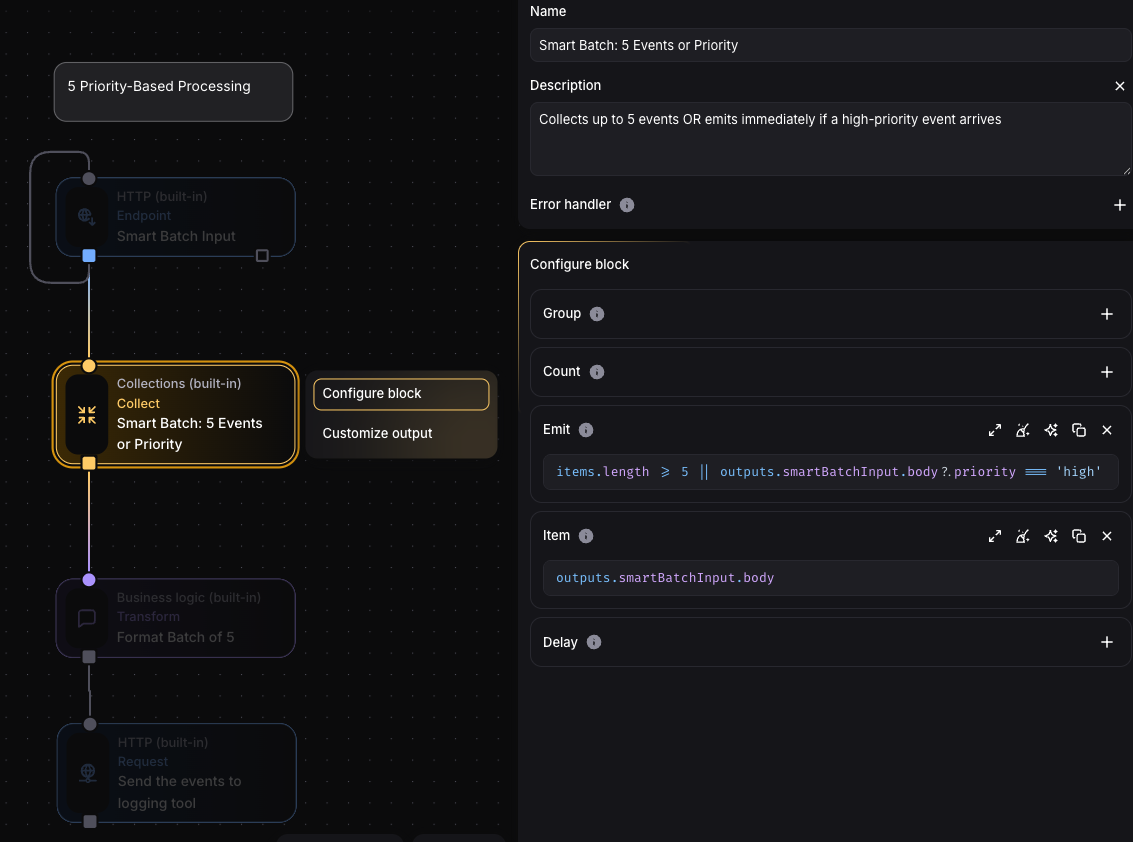
Section titled “Emit (optional)”Evaluates to boolean determining if collected group should be emitted immediately.
Available variables:
outputs- Current incoming eventitems- All events currently in collection groupgroup- Group key for current collection
// Emit immediately for urgent events or when reaching 10 itemsoutputs.priority === 'urgent' || items.length >= 10
// Emit when specific condition in accumulated dataitems.some(item => item.type === 'error')
// Complex conditional logicitems.length >= 5 && outputs.webhook.body?.force !== true
When this returns true, collection is emitted regardless of count or delay settings. When to use:
Emit immediately for high-priority events Trigger on dynamic conditions (thresholds, errors, specific values) Combine batch size with content-based logic
Use Cases
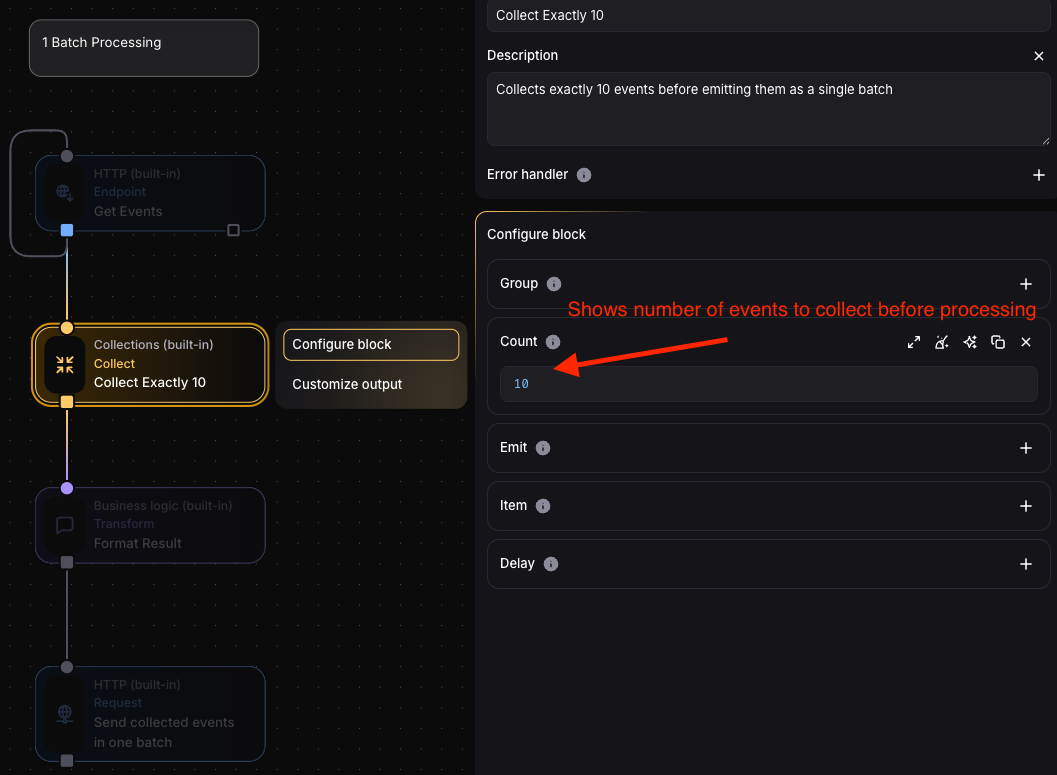
Section titled “Use Cases”Batch Processing: Collect multiple events before processing them together, reducing API calls or database operations.
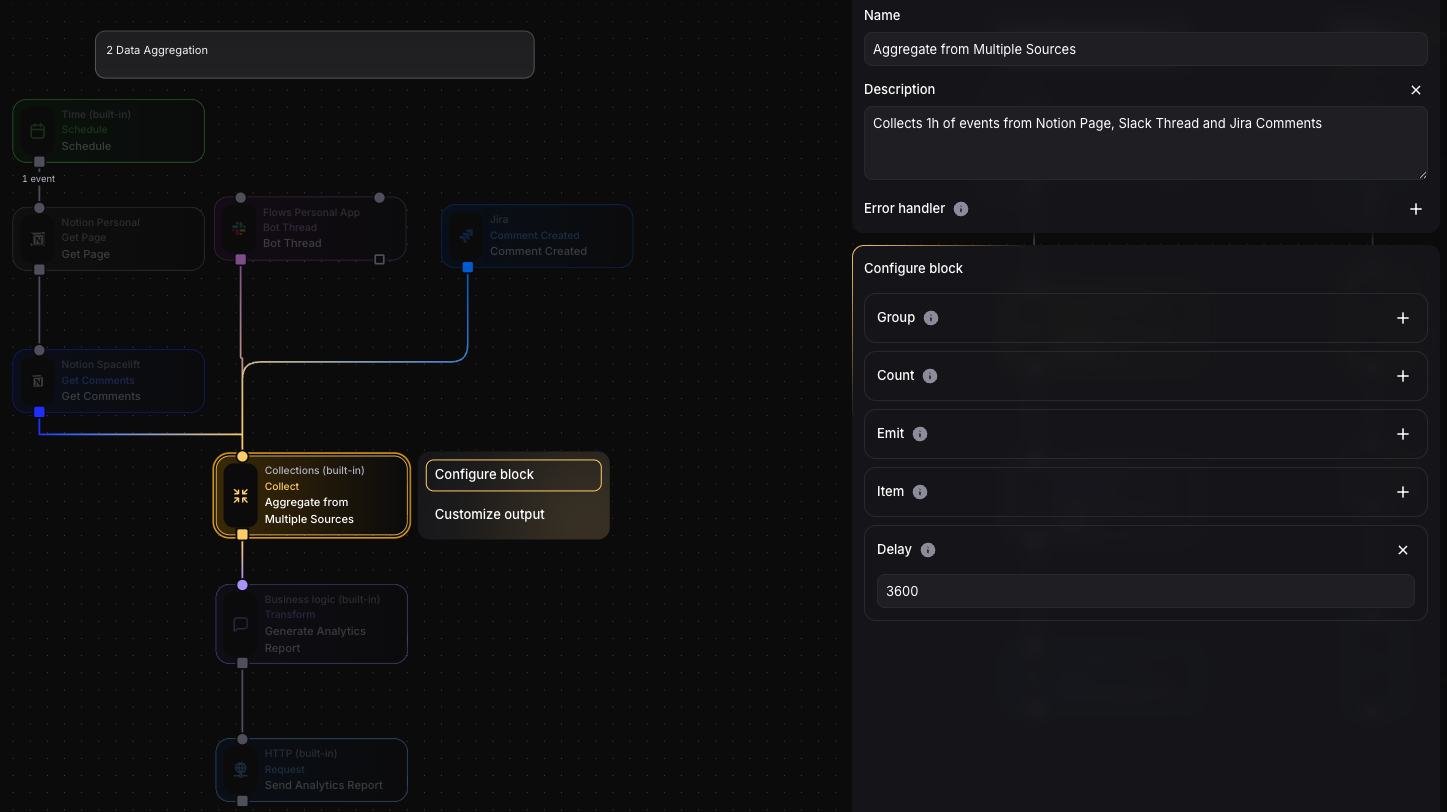
Data Aggregation: Gather events from different sources within a time window for consolidated reporting or analytics.
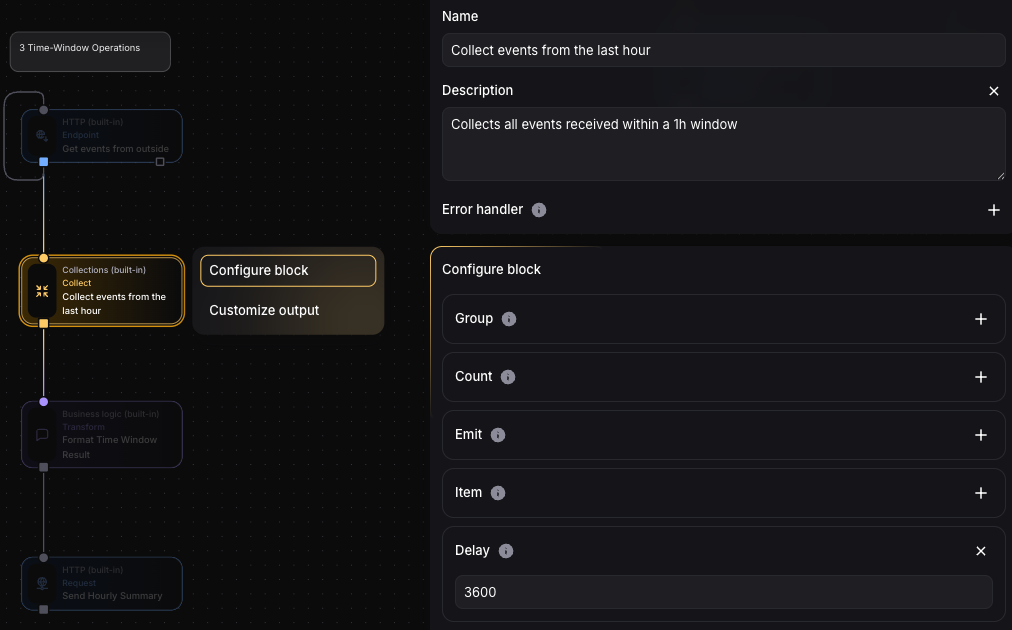
Time-Window Operations: Process all events that occur within specific time periods (e.g., hourly summaries, daily digests).
Grouped Collections: Maintain separate collections for different entities (per-user queues, per-tenant batches).
Priority-Based Processing: Use conditional logic to emit batches based on urgency or content.
Explode Block
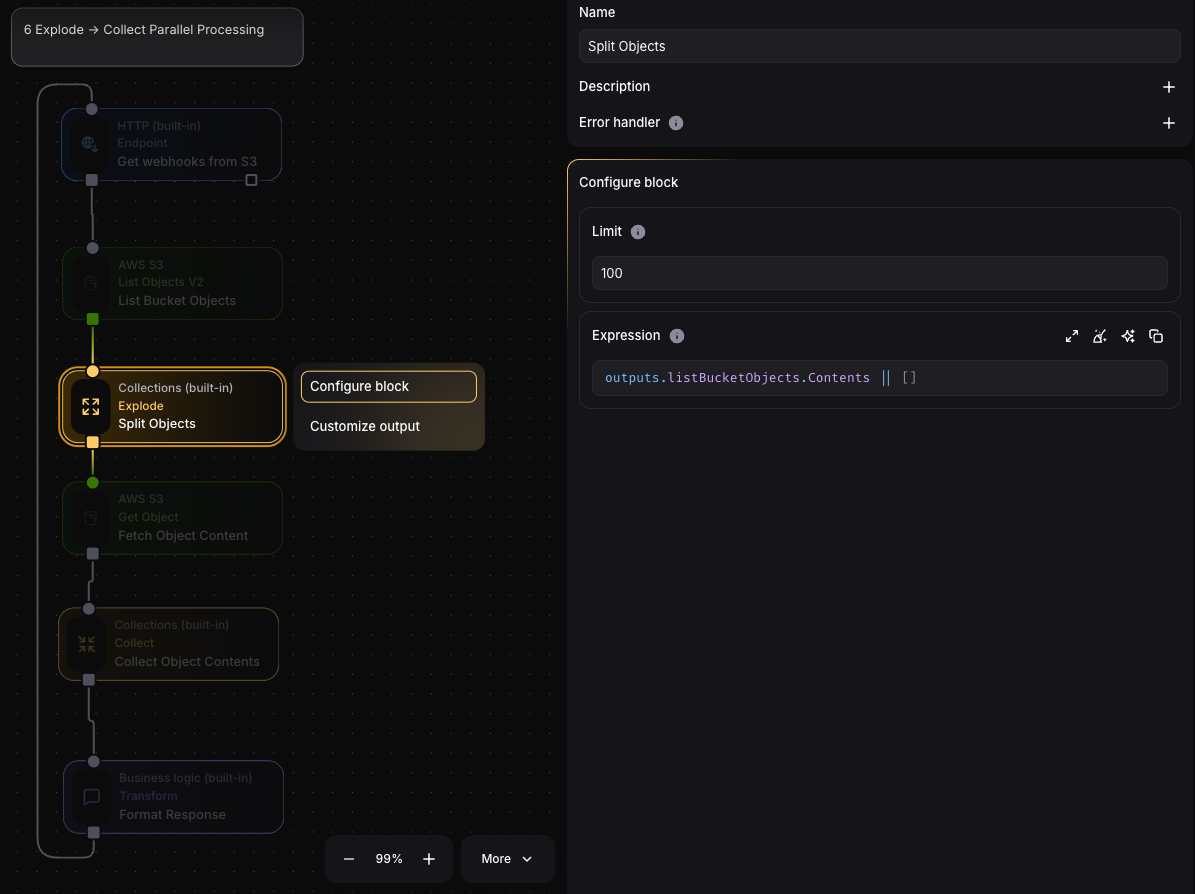
Section titled “Explode Block”Takes a list from an input event and emits each item as a separate event.
Configuration Fields
Section titled “Configuration Fields”Expression
Section titled “Expression”Evaluates to list of items to explode into separate events:
outputs.apiResponse.users // Explode a list of users from API responseEach item becomes payload of separate output event.
Maximum number of events to emit for single input event:
100 // Limit to 100 output events per input eventSafety feature preventing accidental creation of too many events from large lists.
Use Cases
Section titled “Use Cases”- Fan-out Operations: Send each list item to different downstream processes
- Individual Item Actions: Perform actions on each item separately (e.g., send individual notifications)
- Data Distribution: Split bulk data into individual processing streams
Integration with Collect
Section titled “Integration with Collect”Collect and Explode are inverse operations:
- Explode takes one event with a list and creates many events
- Collect takes many events and creates one event with a list